 Nexviora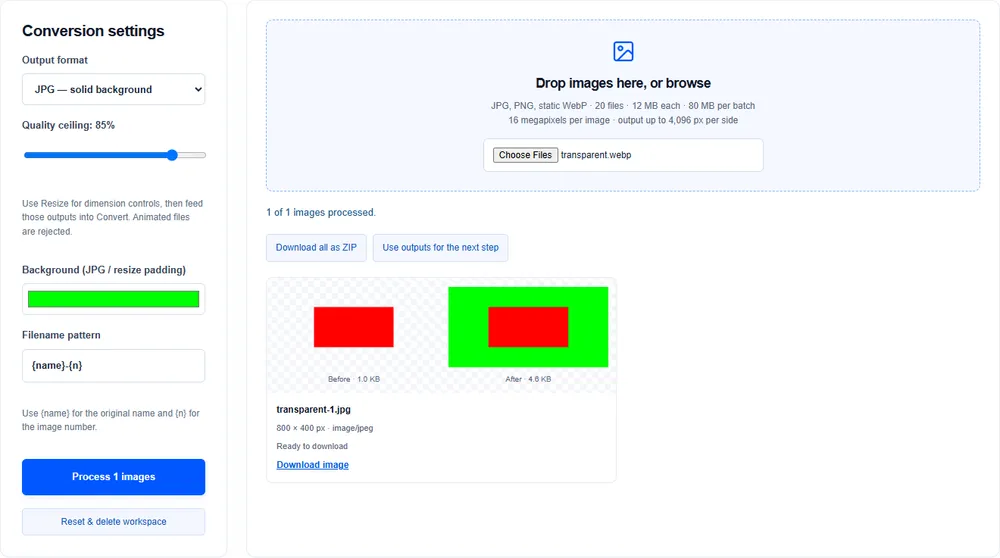
JPG has no alpha channel
Transparent pixels must become a solid color. Select a background before exporting a transparent WebP or PNG as JPG. White is useful for many product images; another color may suit your design.
Keep transparency when needed
Export as PNG or WebP to retain transparency. Do not expect a JPG to behave like a cutout on a colored page.
Animated inputs are different
This workspace rejects animated PNG and WebP. It does not quietly export only the first frame. Use a dedicated animation converter when you need to retain motion.
Inspect the edges
Semi-transparent shadows blend with your chosen background. Zoom into the output preview and check it on the page where it will be used.