 Nexviora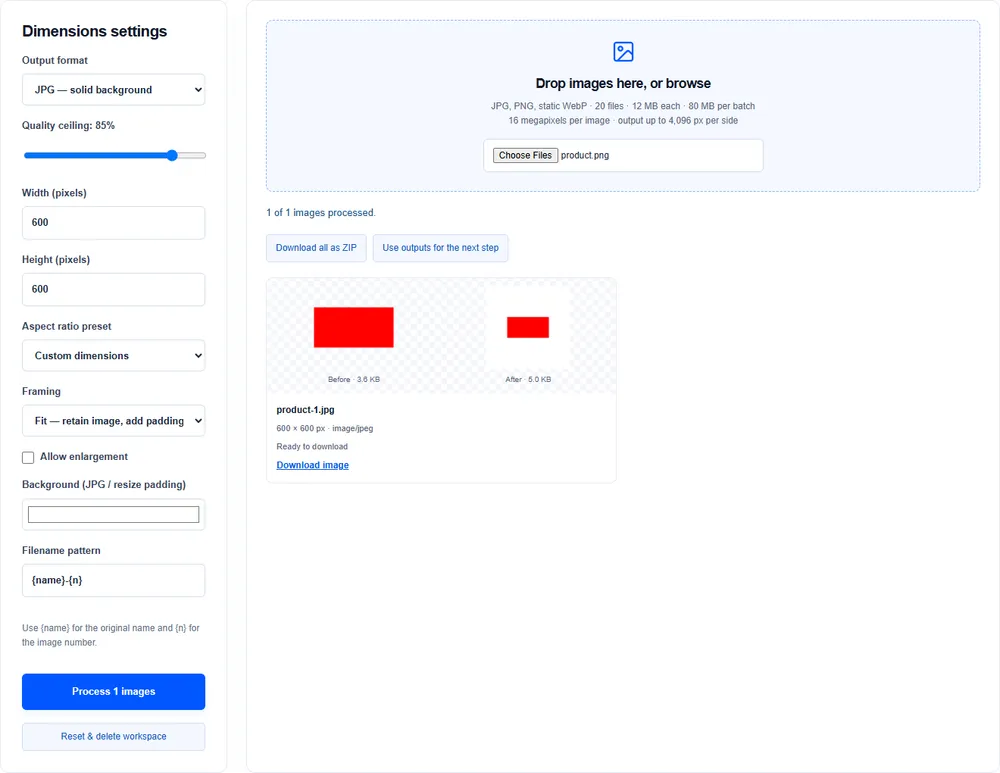
Resize changes pixel dimensions
A 2,400 × 1,600 photograph can become 1,200 × 800 without changing proportions. Fit mode keeps the complete image and adds background padding when the requested canvas has another shape.
Crop changes the framing
Crop mode fills the canvas by removing outer edges. A landscape photo cropped to a square loses content on the sides. Review the preview before downloading.
Compression changes the encoding
JPG and WebP quality trade detail for smaller files. PNG canvas export is lossless and ignores a quality slider; lowering dimensions or converting formats may be needed.
Use a sensible sequence
Choose your format, resize or crop, then compress and rename. Each lossy re-encoding can affect detail, so keep your original and work from it when possible.