 Nexviora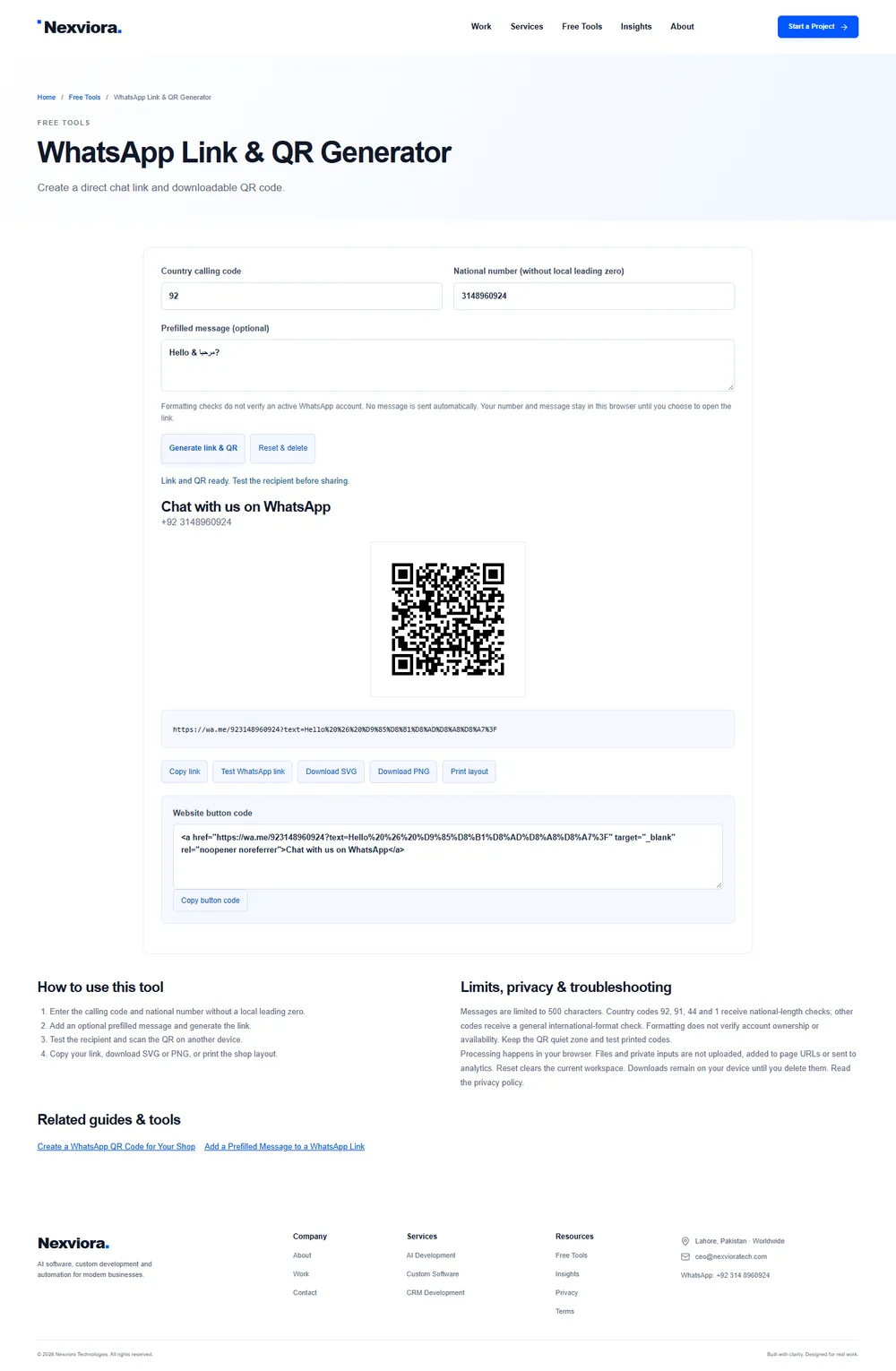
Enter the international number
Include the country code and omit a local leading zero. A Pakistan number written as 0314 8960924 becomes country code 92 and national number 3148960924. Formatting checks do not verify an active account.
Write a useful message
Use a short optional message such as Hello, I would like to ask about a product. Visitors can edit it before sending. A link does not send a message.
Download and test the QR
Download SVG for crisp print or PNG for everyday use. Scan it with another device and check the destination. Keep the white quiet zone and avoid stretching the code.
Print a readable label
Use the print layout and include the number beside the code. Test the physical print at its intended viewing distance before producing a large batch.