 Nexviora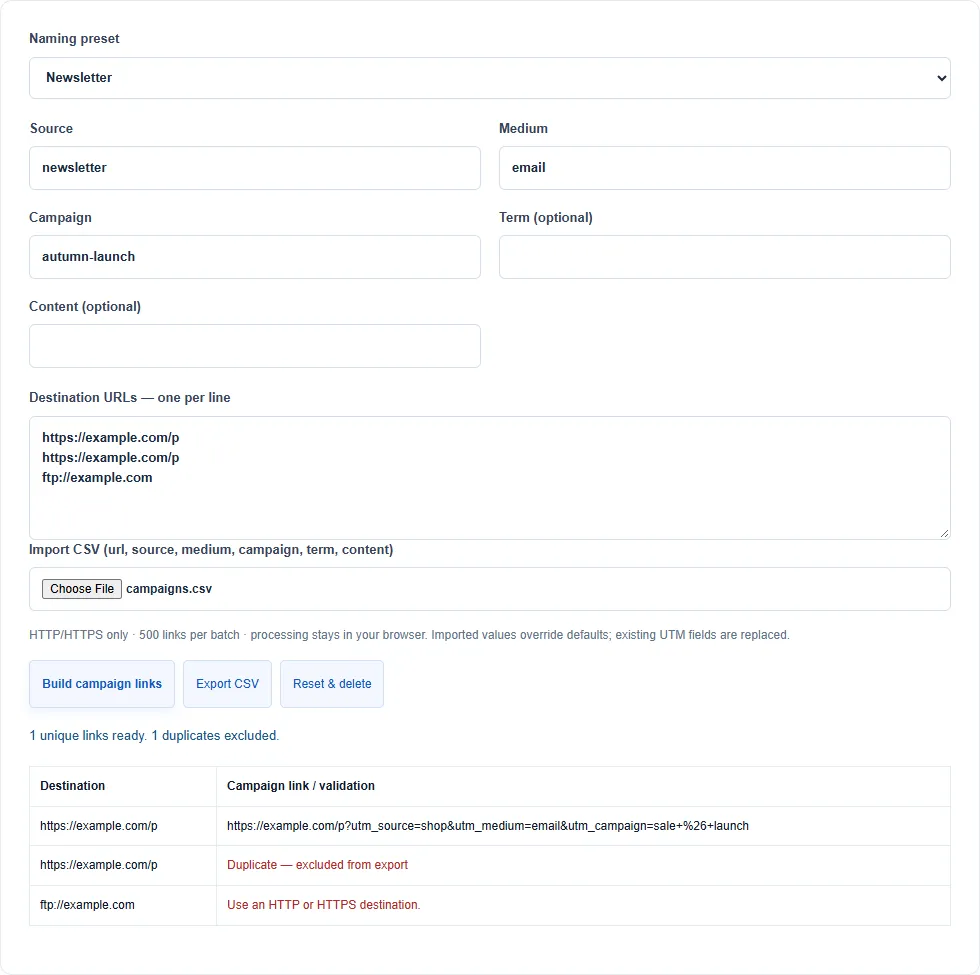
Agree on names
Use consistent source, medium and campaign names such as newsletter, email and autumn-launch. Lowercase hyphenated names are easier to compare.
Keep a clean destination
Use HTTP or HTTPS. The builder replaces entered UTM parameters while preserving other parameters. Duplicate final URLs are flagged and exported once.
Import carefully
Import CSV with a url header; source, medium, campaign, term and content can be supplied per row. Quoted commas and escaped quotes are supported.
Preserve identifiers
When converting CSV to JSON, use string mode for product codes or numbers. A value like 00123 should remain a string rather than becoming 123.